Diagnostic-Compatible iPhone Parts: How They Work, Benefits and Risks
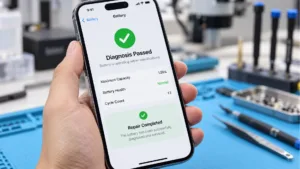
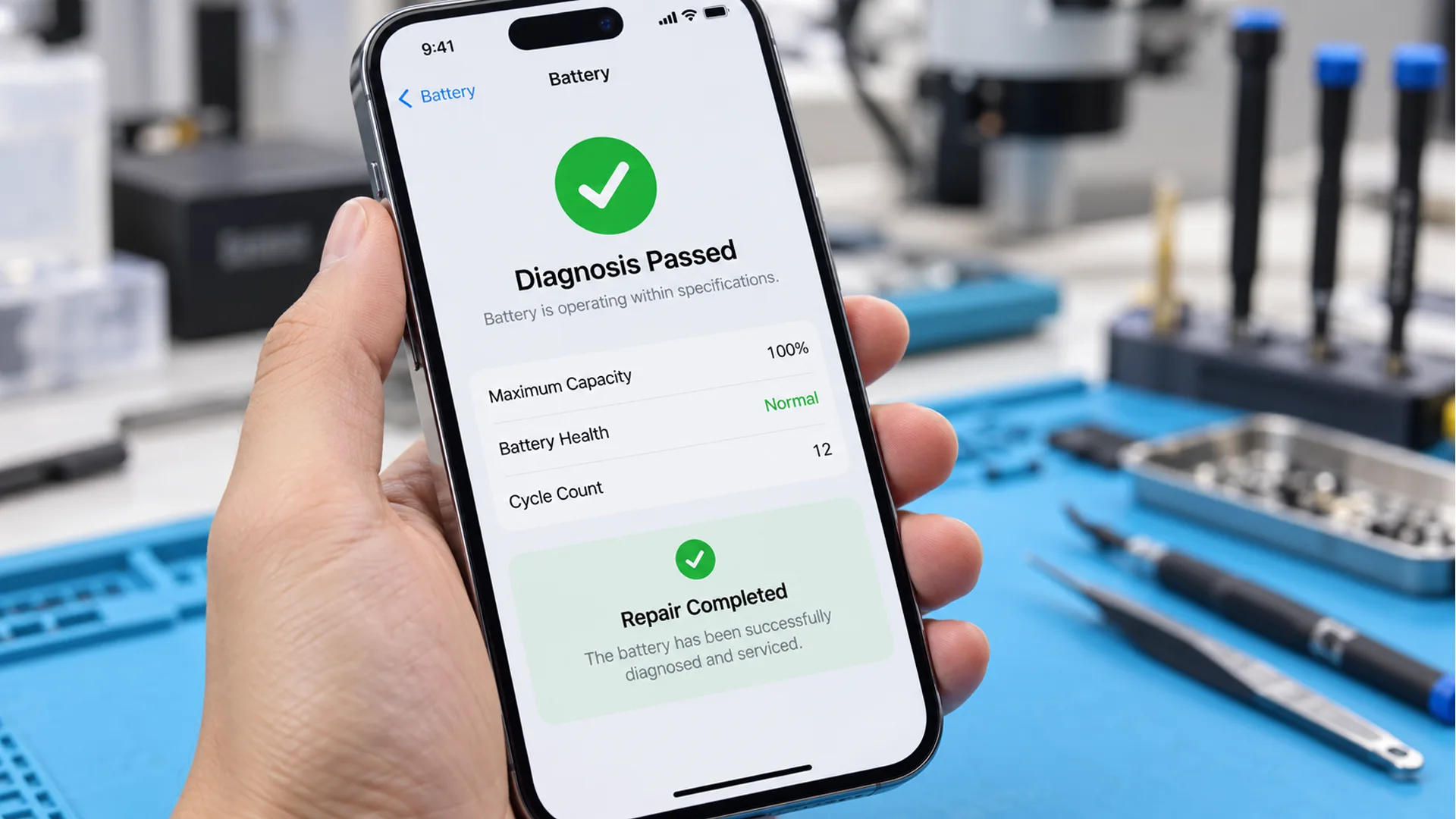
Diagnostic-compatible iPhone parts are attracting attention in the aftermarket because they can pass Repair Assistant checks even though the screen or battery itself is an aftermarket replacement. For repair businesses, this creates a new option between conventional aftermarket parts and higher-cost OEM parts.
The key is not that the entire part becomes OEM. Instead, the method relies on specific OEM-pulled chips that carry the pairing or calibration information used during the diagnostic process. The screen and battery use different approaches, and both come with practical benefits and important risks for B2B buyers.
This guide explains how diagnostic-compatible iPhone screens and batteries work, what advantages they can offer repair businesses, and what wholesalers, distributors and repair chains should evaluate before ordering.
1. What Are Diagnostic-Compatible iPhone Parts?
Diagnostic-compatible parts are aftermarket iPhone screens and batteries designed to pass the Repair Assistant diagnostic process after installation. According to the supplied test script, the screen solution depends on an OEM-pulled touch IC, while the battery solution depends on a BMS board fitted with an OEM-pulled IC from a donor iPhone.
For B2B buyers, this distinction matters. These products are still aftermarket parts, but they use donor OEM chips to carry the information needed for the diagnostic check. That can simplify the repair workflow, but it also introduces compatibility, component-aging and batch-stability risks that should be evaluated before large-volume purchasing.
2. How Diagnostic-Compatible iPhone Screens Work
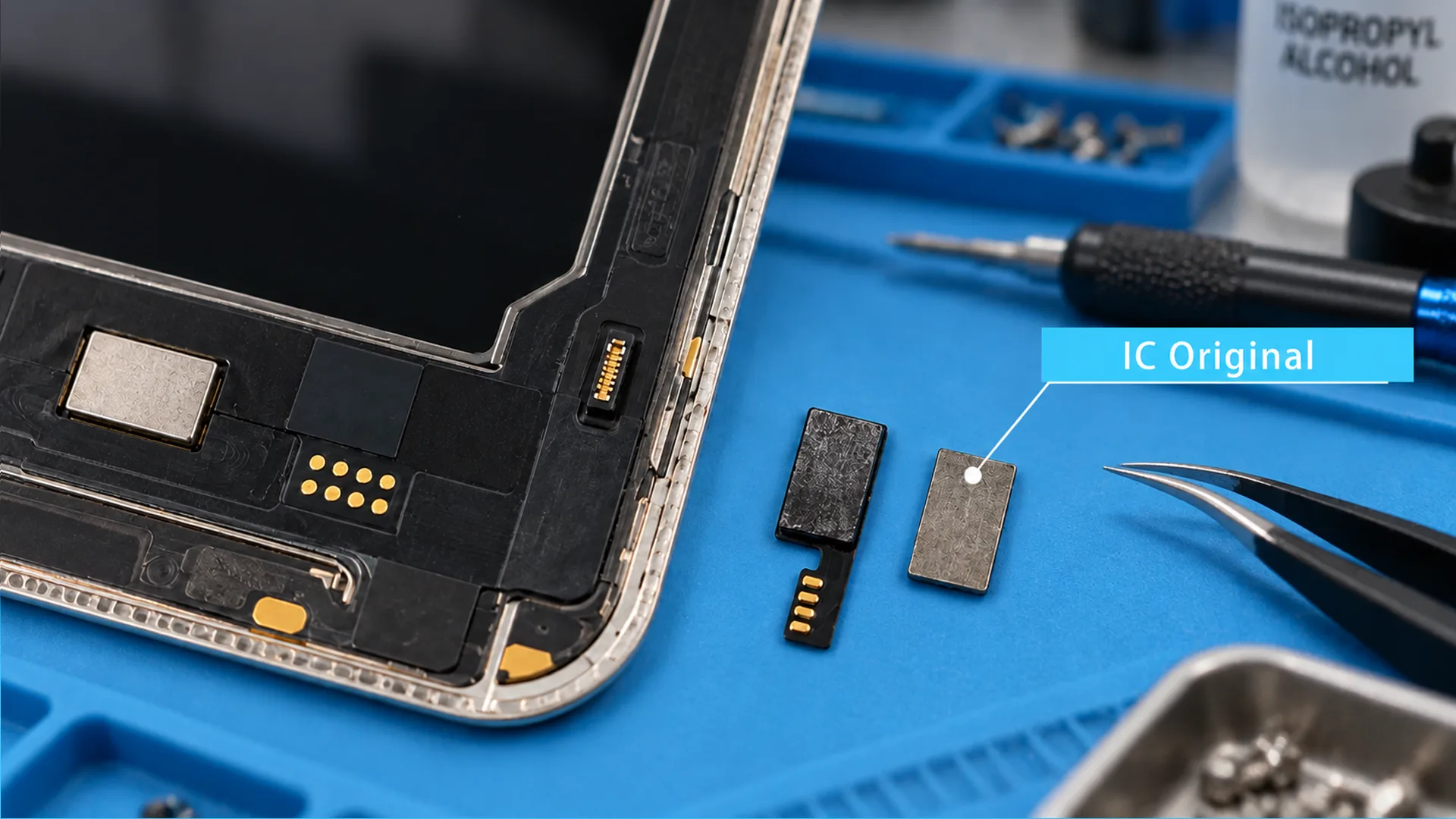
The diagnostic-compatible screen method centers on the touch IC. The aftermarket OLED panel itself is not what makes the screen pass the check. The key is transferring an OEM-pulled touch IC from another identical iPhone model and using it on the aftermarket OLED screen.
For buyers comparing aftermarket display options, WOSENTE’s iPhone Screens page can be used as the internal product link from this section.
2.1 The OEM-Pulled Touch IC
The script explains that the screen calibration data is tied to the touch IC. By soldering an OEM-pulled touch IC from another identical model onto the aftermarket OLED and physically rerouting the data path, the screen can simulate the required OEM data path closely enough to pass Repair Assistant.
This is why the donor IC is the critical component in the screen solution. The aftermarket OLED provides the replacement display, while the pulled touch IC carries the calibration-related information used in the diagnostic process.
2.2 Front Sensor Flex Conditions
The screen solution also has a front-sensor-flex condition after calibration. For models below the iPhone 15 series, the script states that the screen can pass as long as a front sensor flex cable is present.
For the iPhone 15 series and later, the requirement is stricter: the front sensor flex must either be the one originally paired with the motherboard or match the screen touch IC correctly. If these conditions are met, the diagnostic-compatible screen can clear the check.
For repair businesses, this means screen compatibility cannot be judged by the display panel alone. The model, touch IC and front sensor flex configuration all need to be considered together.
3. How Diagnostic-Compatible iPhone Batteries Work
The battery solution follows a similar principle but uses the battery management system instead of the screen touch IC. The key component is the BMS board, which contains an OEM-pulled IC harvested from a donor iPhone.
WOSENTE’s iPhone Batteries page can be linked here for buyers who want to compare available battery options for professional repair and wholesale orders.
3.1 BMS Board and Donor IC
According to the script, the encrypted pairing information is stored in the OEM-pulled IC on the BMS board. Because that donor IC carries the required pairing information, the completed battery can pass the Repair Assistant diagnostic process.
The BMS also includes a control IC that manages normal battery functions such as charging and fuel gauging. Once the BMS board is spot-welded to an aftermarket battery cell, the diagnostic-compatible battery assembly is ready for installation.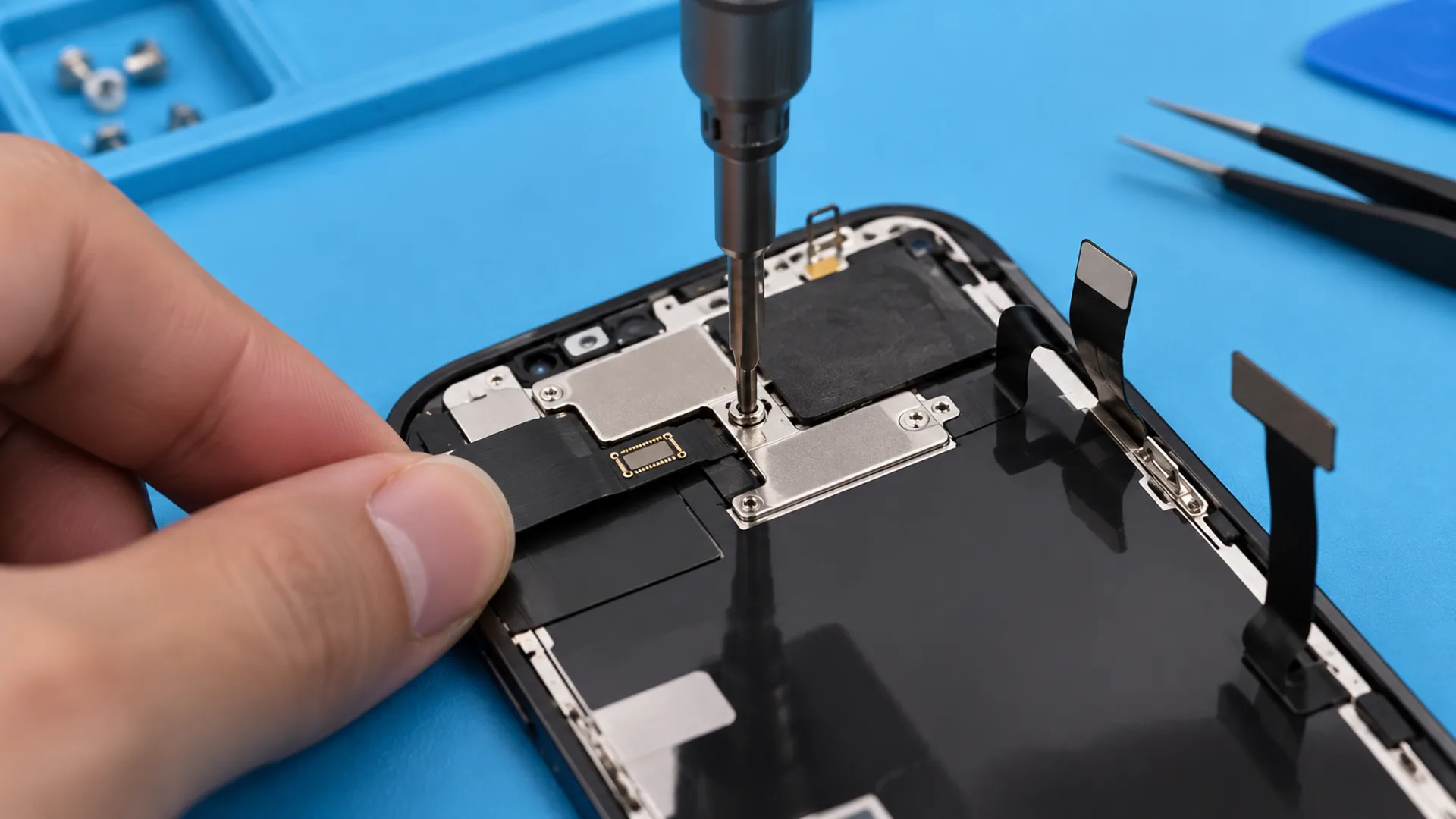
4. Main Benefits for Repair Businesses
The test findings in the script identify three main benefits: easier installation, faster repair turnaround with less high-level micro-soldering, and lower cost compared with OEM parts. For repair chains and distributors, these advantages can affect technician workload, service speed and the price tiers offered to end customers.
4.1 Plug-and-Play Installation
Traditional workflows may require swapping screen ICs or carrying out micro-soldering work on battery BMS boards. Diagnostic-compatible parts are intended to reduce that work by arriving in a form that is closer to plug-and-play installation.
For repair operations that do not want every technician performing advanced chip work, this can simplify the installation process and reduce dependence on high-level micro-soldering skills.
4.2 Faster Turnaround and Lower Manual Risk
Removing the need for routine chip swapping can shorten repair turnaround time. The script also highlights the risk of manual errors during chip transfer: a mistake can damage a screen or make a battery board unusable.
For a repair chain handling repeated jobs, reducing this extra operation can improve workflow efficiency and remove one manual failure point from the repair process.
4.3 Lower Cost Than OEM Parts
The third advantage identified in the testing is price. The script states that these diagnostic-compatible aftermarket parts are cheaper than OEM parts.
For B2B buyers, that can create an additional product tier for customers who want diagnostic compatibility without paying the full OEM-part price. The actual purchasing decision should still account for the risks described below, not unit price alone.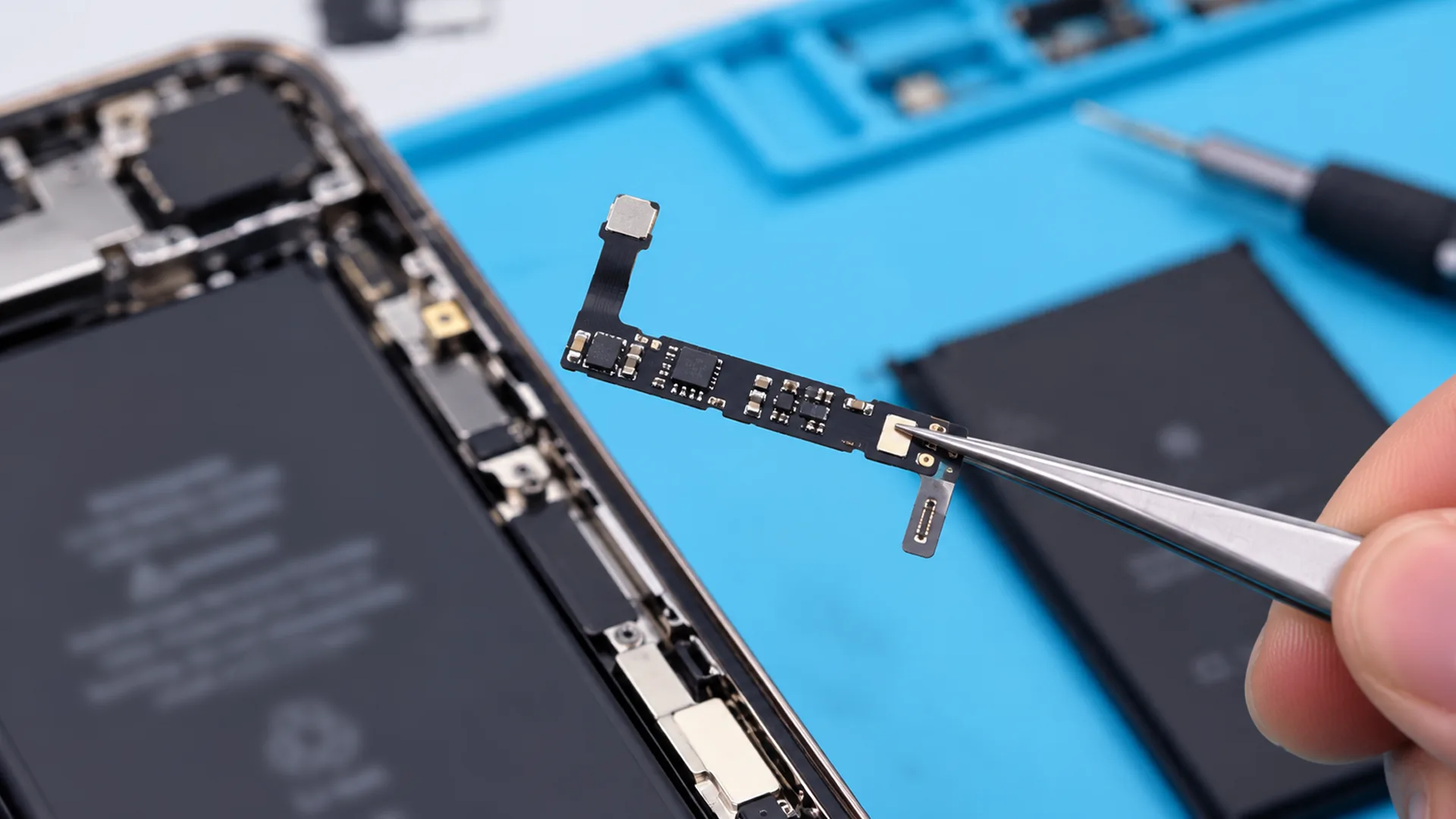
5. Main Risks B2B Buyers Should Consider
The same testing also identified three major risks. Diagnostic compatibility is not presented as a permanent guarantee, the donor chips may already have wear from previous use, and the solution is still new enough that some batches have shown random faults and stability problems.
For wholesalers and distributors, these risks matter because a problem that appears only occasionally can still create significant RMA and after-sales pressure across a large shipment.
5.1 Current iOS Compatibility Only
The script warns that the solution only guarantees compatibility with the current iOS environment tested at the time. If Apple later changes or patches the method used by these parts, an unknown-part message could return or the diagnostic-compatible function could fail.
This makes software compatibility a continuing purchasing consideration. Buyers should not treat today’s successful diagnostic result as a permanent guarantee for all future iOS versions.
5.2 Aging Donor Chips
The OEM-pulled ICs are harvested from donor devices rather than being new chips. The script therefore flags hidden component aging as a second risk.
Even when a part passes initially, wear in a donor chip can contribute to random diagnostic failures. For B2B sourcing, the condition and consistency of these reused chips become part of the overall product-quality question.
5.3 Batch Stability and RMA Risk
The third risk is batch stability. The script states that the solution is still relatively new and that RMA data has shown random glitches and stability issues in some batches.
This is especially important for wholesale orders. A sample that passes the diagnostic check does not automatically prove that every unit in a large batch will behave the same way. Buyers should look at batch-level testing and after-sales handling, not only a single sample result.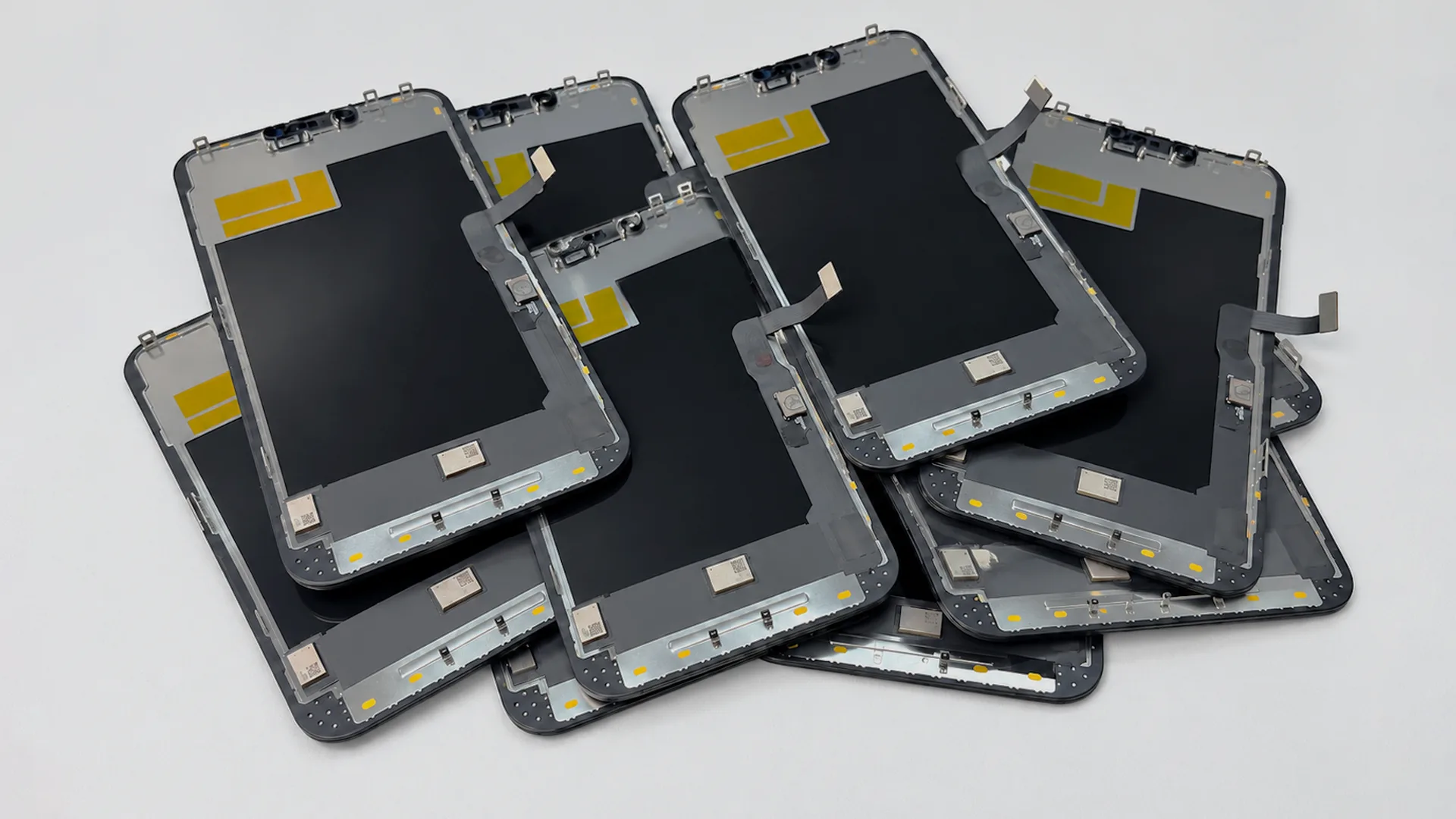
6. What B2B Buyers Should Check Before Ordering
For wholesalers, distributors, importers and repair chains, the practical question is not simply whether a diagnostic-compatible part can pass one test. The more useful question is whether the supplier can provide the correct model configuration, consistent batch performance and clear support when a failure occurs.
6.1 Confirm the Exact Model and Compatibility Conditions
For screens, confirm the exact iPhone model and the required front sensor flex condition. The script distinguishes models below the iPhone 15 series from the iPhone 15 series and later, so these parts should not be treated as one universal configuration.
For batteries, confirm that the BMS and donor-chip solution is intended for the exact battery model being ordered. Model matching should be completed before a bulk order is approved.
6.2 Ask for Batch Testing and QC
Because the script reports random failures and stability differences in some batches, buyers should ask how diagnostic compatibility is tested across production lots and how failed units are identified before shipment.
A supplier’s quality-control process is especially relevant for products that combine aftermarket components with donor OEM chips, because both the assembled part and the reused chip can affect the final result.
6.3 Review Warranty and After-Sales Terms
The possibility of future software changes, donor-chip aging and batch instability makes warranty handling important for B2B buyers. Before ordering, confirm how diagnostic failures, random faults and replacement claims will be handled.
WOSENTE’s Warranty Policy can be linked from this section so buyers can review the applicable after-sales terms before placing a larger order.
7. Conclusion
Diagnostic-compatible iPhone screens and batteries offer a practical aftermarket approach for repair businesses that want to reduce chip-swapping work, shorten repair turnaround and control part costs. Their ability to pass Repair Assistant depends on OEM-pulled chips carrying the required calibration or pairing information: the touch IC for screens and the donor IC on the battery BMS for batteries.
At the same time, the script’s testing highlights three limits that B2B buyers should not ignore: compatibility is tied to the current iOS environment, donor chips may carry age-related wear, and some batches may show random stability problems.
For wholesale purchasing, the best approach is to confirm the exact model configuration, review batch-testing procedures and understand the supplier’s warranty process before scaling the order. Buyers can review WOSENTE’s Wholesale Business service or Contact Us page for model availability and quotation requests.
8. Frequently Asked Questions
8.1 Are Diagnostic-Compatible Parts the Same as OEM Parts?
No. The script describes them as aftermarket screens and batteries. What makes them diagnostic-compatible is the use of specific OEM-pulled chips that carry calibration or pairing information used during the Repair Assistant process.
8.2 Why Can These Aftermarket Parts Pass Repair Assistant?
For the screen, the method uses an OEM-pulled touch IC whose calibration data can be used on an aftermarket OLED when the data path is rerouted correctly. For the battery, the OEM-pulled IC on the BMS carries the encrypted pairing information referenced in the script.
8.3 What Are the Main Purchasing Risks?
The three risks identified in the testing are future iOS compatibility changes, aging donor chips and random batch stability issues. For B2B buyers, these risks make batch testing, model matching and after-sales terms important parts of the purchasing decision.